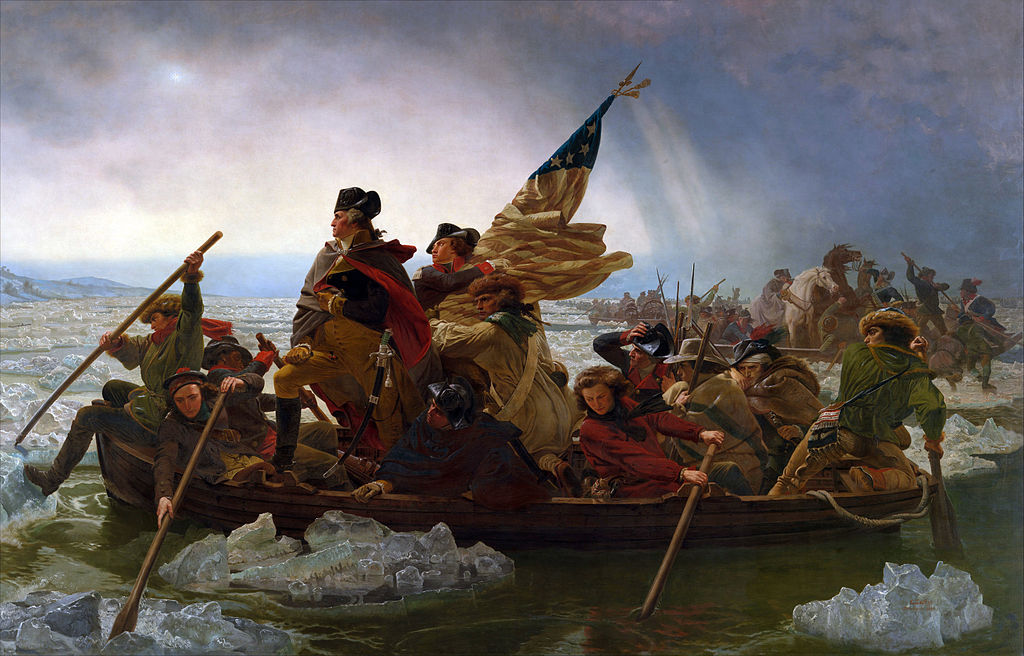
#/media/File:Washington_Crossing_the_Delaware_by_Emanuel_Leutze,_MMA-NYC,_1851.jpg)
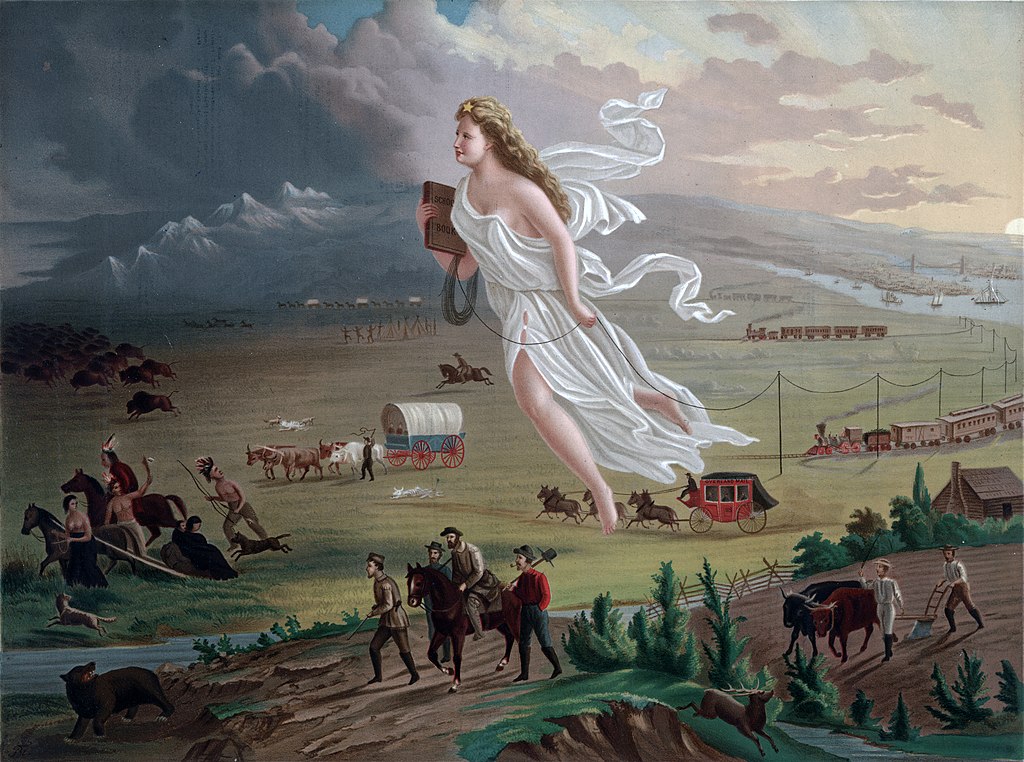
.jpg)
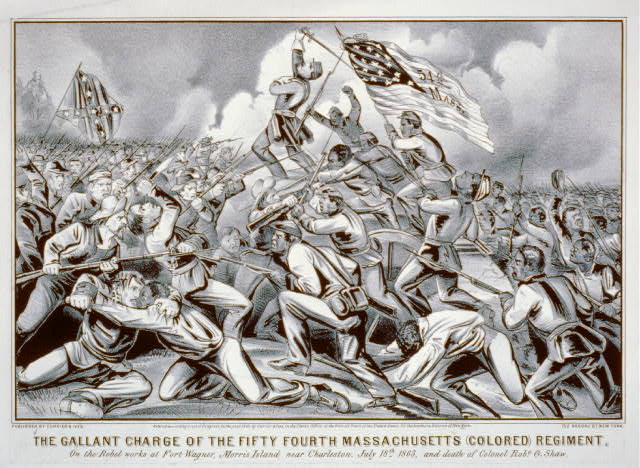

Fall 2019

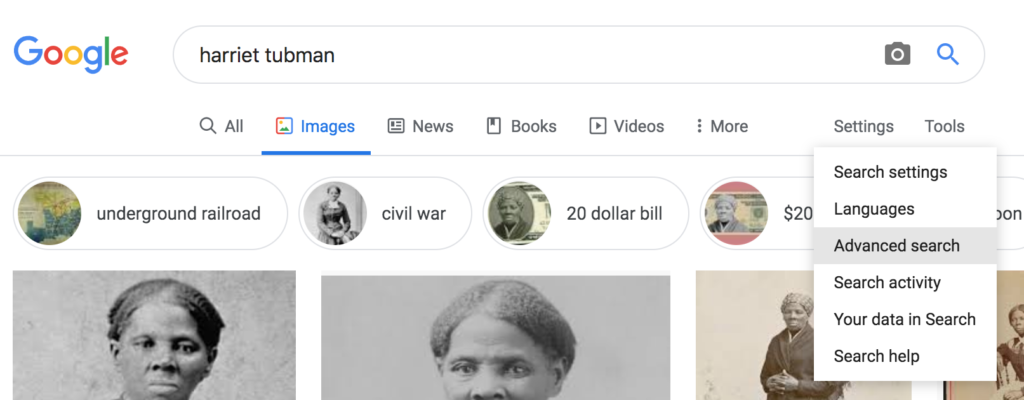
Because they may be used by the Wassmuth Center in posters at the Idaho Anne Frank Human Rights Memorial, it’s very important that the images you include with your Upstander biography be free of traditional copyright.
Fortunately, it’s fairly simple to find images that are “openly licensed”—meaning they aren’t under traditional copyright. But first, let’s take a look at categories of copyright:
In the U.S., under copyright law, works are either copyrighted or not. If they are not copyrighted, they are considered to be in “the public domain,” and you can use them in any way you wish.
Stanford University offers a good guide with more details on determining whether a work is in the public domain, but here’s the vast majority of what you need to know:
Creative Commons is a way for intellectual property owners (the creators of works that would normally be under copyright) to provide more flexible licensing of their work. There are several versions of Creative Commons licenses. You can read more about them at the Creative Commons website.
There are many places to find images that are in the public domain or that are licensed under Creative Commons. Here are my favorites:
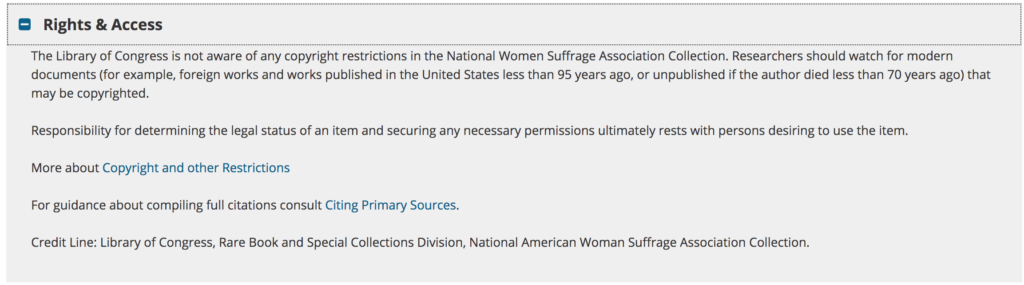
Each digitized item in the Library of Congress’s database has rights and access information. Here’s an example from a photo of Harriet Tubman:
Google lets you sort images by license. Here’s how:
1. Enter a search term into the search box and hit “enter” or “return” on your keyboard.
2. On the results page, hover over “Settings” just below the search bar. Select “Advanced search” from the drop-down menu:
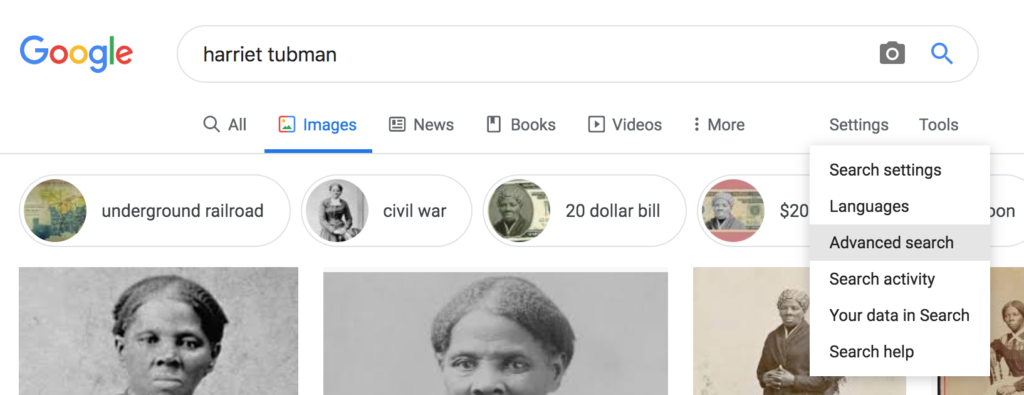
3. Scroll down to the bottom of the Advanced Image Search page. In the drop-down menu next to “usage rights,” select “free to use or share.” Then
4. Click the blue “Advanced Search” button at the bottom of the page.
Be sure to double-check the licensing of your image by reading the terms for the website on which it appears. Sometimes Google picks up images that aren’t actually openly licensed.
Creative Commons provides its own image search engine. Use the drop-down menus on the search results page to refine your results.
Flickr is a photo-sharing site. Many museums and archives will share images from their collections there. You can also find current photos of historic sites related to your upstander.
1. Simply type a search term into the search bar on the Flickr home page.
2. Open the drop-down menu for “Any license.”
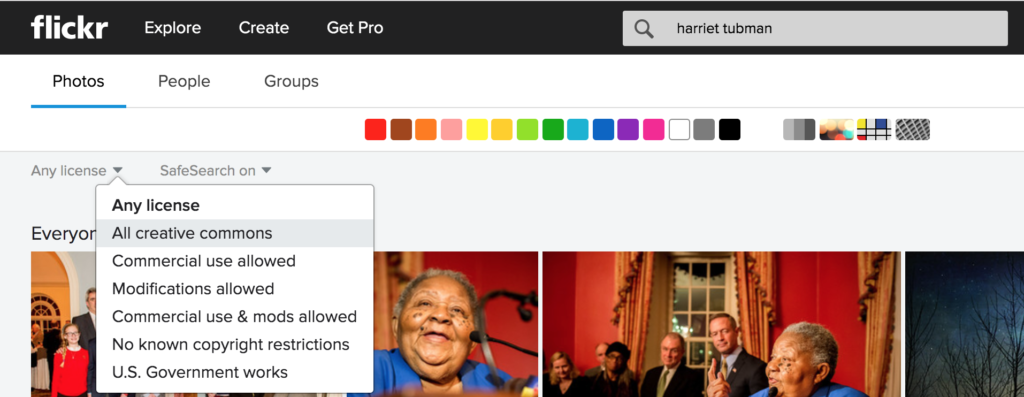
3. Select either “All creative commons” or other appropriate license that indicates images in the public domain (e.g., “No known copyright restrictions” or “U.S. Government works”):